AI-first search is changing how brands need to think about marketing budgets. Here’s how to rethink your investment across SEO, GEO, content, paid media and Digital PR.

How To Build A Marketing Budget For An AI-First Search Landscape
read more
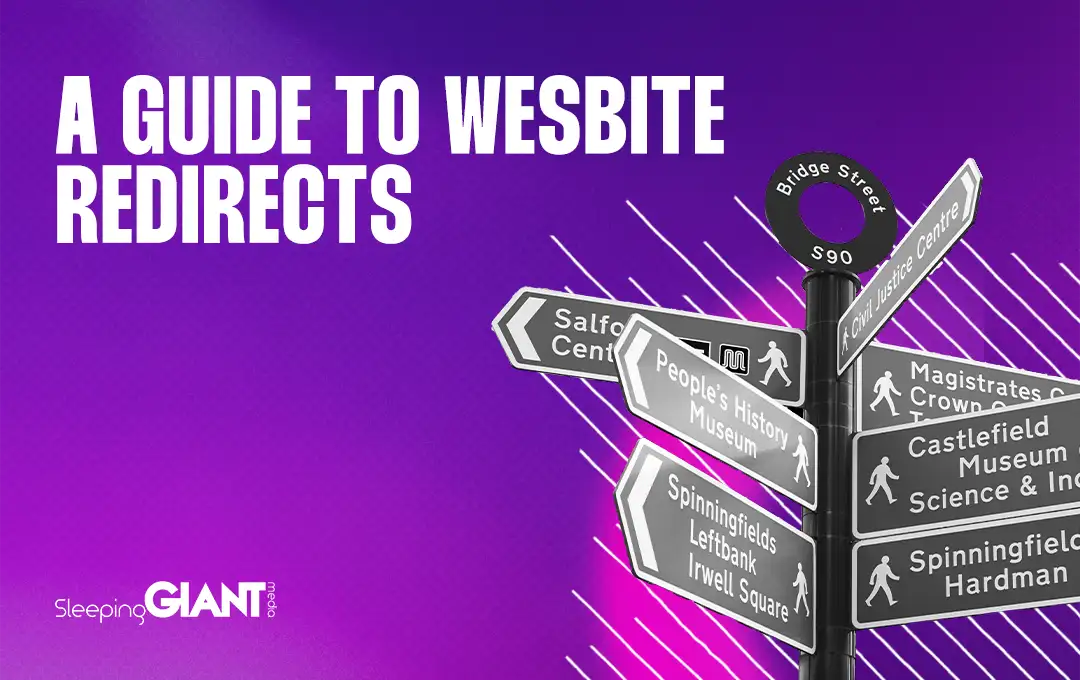
We all need to know what direction we’re pointing people in when it comes to our website. And you know what, you’re in luck, because this week we’re breaking down the why, what, how and when of redirects!
Whether you’re looking to send users to a whole new page on your site, or create a temporary holding page whilst you work on a redesign, redirects can help you to make sure your users always enjoy the same great experience when they engage with your website.
In the SEO world, a redirect is a process of forwarding traffic and users from one URL to another. Simple.
Whether they’ve clicked through from a search engine, a social media post or are a direct user, the redirect sends them to a URL of your choosing instead of the one they intended to land on automatically.
Well, you could use redirects for a few different reasons! For example;
And you might just want to do it temporarily, such as sending users to a ‘holding’ page or a different one whilst you update or fix the other.
Using the wrong type of redirect could result in a loss of search engine rankings in rare cases, as can not actually implement any redirects at all. It can also affect the user experience if they can’t find the page they were looking for.
So let’s take a look at…
There are a few types of redirects you’ll need to know about on a day-to-day basis, and a few that are probably a bit rarer.
A 301 redirect is one of the most common types and should be used if you want to permanently redirect either; a deleted page, a page that’s moved or a page that’s permalink structure has changed. This redirect code tells search engines that the page is;
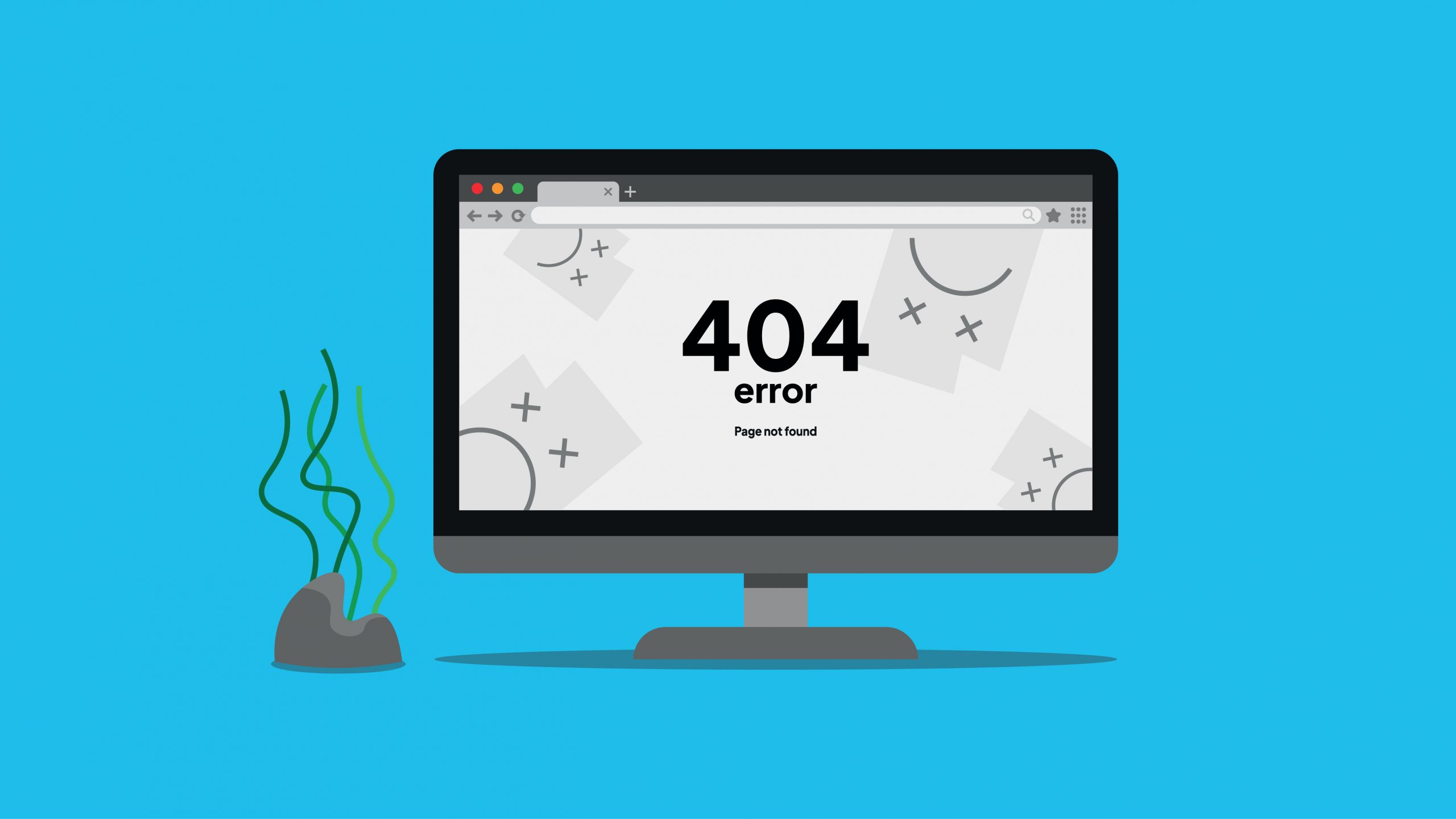
Because of this, make sure you don’t intend on using that URL again as it will transfer all link value over to the new URL. If you don’t put this redirect in, and someone clicks a link to your old page, then the user and crawl bots will be presented with a 404 error message.
A 302 redirect is a temporary redirect and directs users (and those pesky search engines) to the desired page for a limited amount of time. These should be used for things such as:
In the SEO world, a redirect is a process of forwarding traffic and users from one URL to another. Simple.
Whether they’ve clicked through from a search engine, a social media post or are a direct user, the redirect sends them to a URL of your choosing instead of the one they intended to land on automatically.
Well, you could use redirects for a few different reasons! For example;
And you might just want to do it temporarily, such as sending users to a ‘holding’ page or a different one whilst you update or fix the other.
Using the wrong type of redirect could result in a loss of search engine rankings in rare cases, as can not actually implement any redirects at all. It can also affect the user experience if they can’t find the page they were looking for.
So let’s take a look at…
There are a few types of redirects you’ll need to know about on a day-to-day basis, and a few that are probably a bit rarer.
A 301 redirect is one of the most common types and should be used if you want to permanently redirect either; a deleted page, a page that’s moved or a page that’s permalink structure has changed. This redirect code tells search engines that the page is;
Because of this, make sure you don’t intend on using that URL again as it will transfer all link value over to the new URL. If you don’t put this redirect in, and someone clicks a link to your old page, then the user and crawl bots will be presented with a 404 error message.
A 302 redirect is a temporary redirect and directs users (and those pesky search engines) to the desired page for a limited amount of time. These should be used for things such as:
When it comes to chucking about your 301s and 302s, you’ll be happy to know that most modern CMS platforms offer their own solution or plugins to easily deal with these types of redirects. Take a look at what’s built within your CMS, or have a Google for the best plugins for the likes of WordPress.
And that’s probably all you need to know about your day-to-day redirects but do get in touch if we can help!
Ready for a digital marketing partner that delivers clear scoping, full transparency, and proven results? Fill out the form below to connect directly with the Sleeping Giant Media team and discover how we can help your business thrive.
AI-first search is changing how brands need to think about marketing budgets. Here’s how to rethink your investment across SEO, GEO, content, paid media and Digital PR.

ChatGPT Work and Claude Design 2.0 are changing how marketing teams create, automate and manage work. But as AI takes on more of the workflow, what happens to human oversight, brand ownership and compliance?

Reddit’s share of ChatGPT citations dropped by 86.4% in just four days. So, what happened? We look at what the change could mean for AI visibility, why relying too heavily on a single citation source creates risk, and what marketers should be doing to build a more resilient strategy.